68kMLA Classic Interface
This is a version of the 68kMLA forums for viewing on your favorite old mac. Visitors on modern platforms may prefer the main site.
| Click here to select a new forum. | |
| Lunacy - Lunatic Fringe on modern macOS | |
| Posted by: Halcyon on 2026-06-21 16:21:29 Hello! I've built a macOS app that emulates enough of the After Dark engine to run the original Lunatic Fringe After Dark module file, inspired by Greg Parker's Fringe Player. As with Fringe Player, the catch is that you have to provide the Lunatic Fringe module from an install of More After Dark or After Dark Deluxe. I've built it as universal binary for macOS 13+, but I don't have those handy for testing. If you're interested in trying it out, I'd greatly feedback in the areas of: * Does it work, at all? Did I botch anything with the notarization, that kind of thing? * Framerate ok? * Any weird bugs? * Anything confusing in the setup? * Any ideas to make this better? The 1.0b1 download is available at: 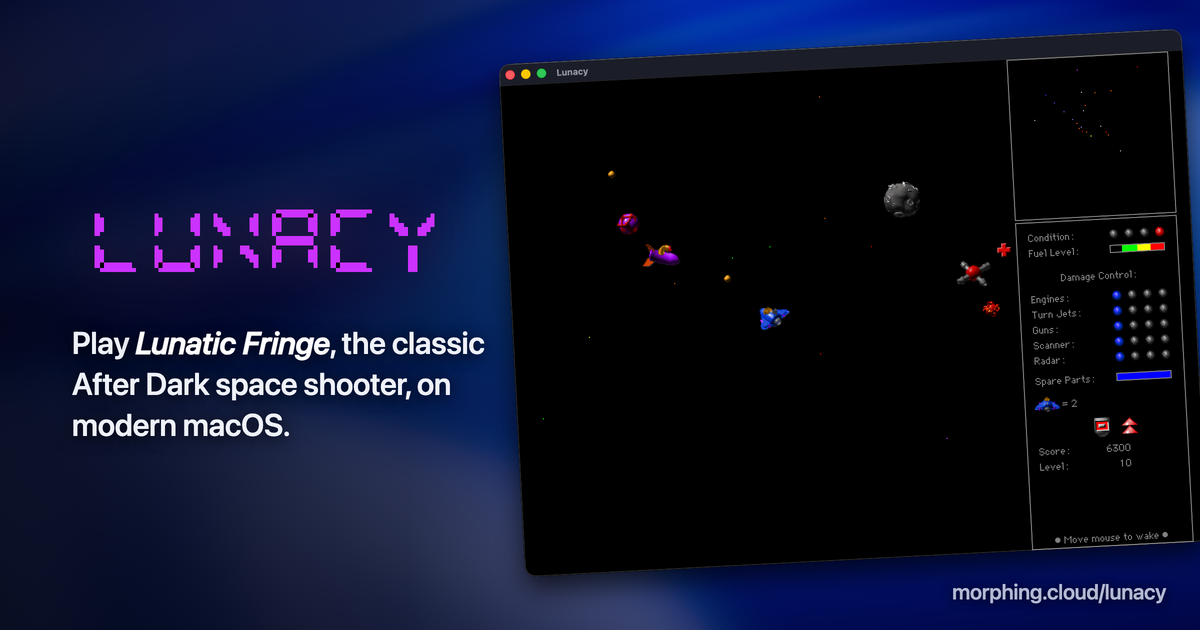
Lunacy — Lunatic Fringe on modern macOSPlay Lunatic Fringe, the classic After Dark space shooter, natively on modern macOS — full screen, optional CRT shader, and a live global high-score board.
morphing.cloud
Against my better judgement, I've included a global high score list. This is probably a terrible idea that I'll remove later. 😅 Hope you enjoy! 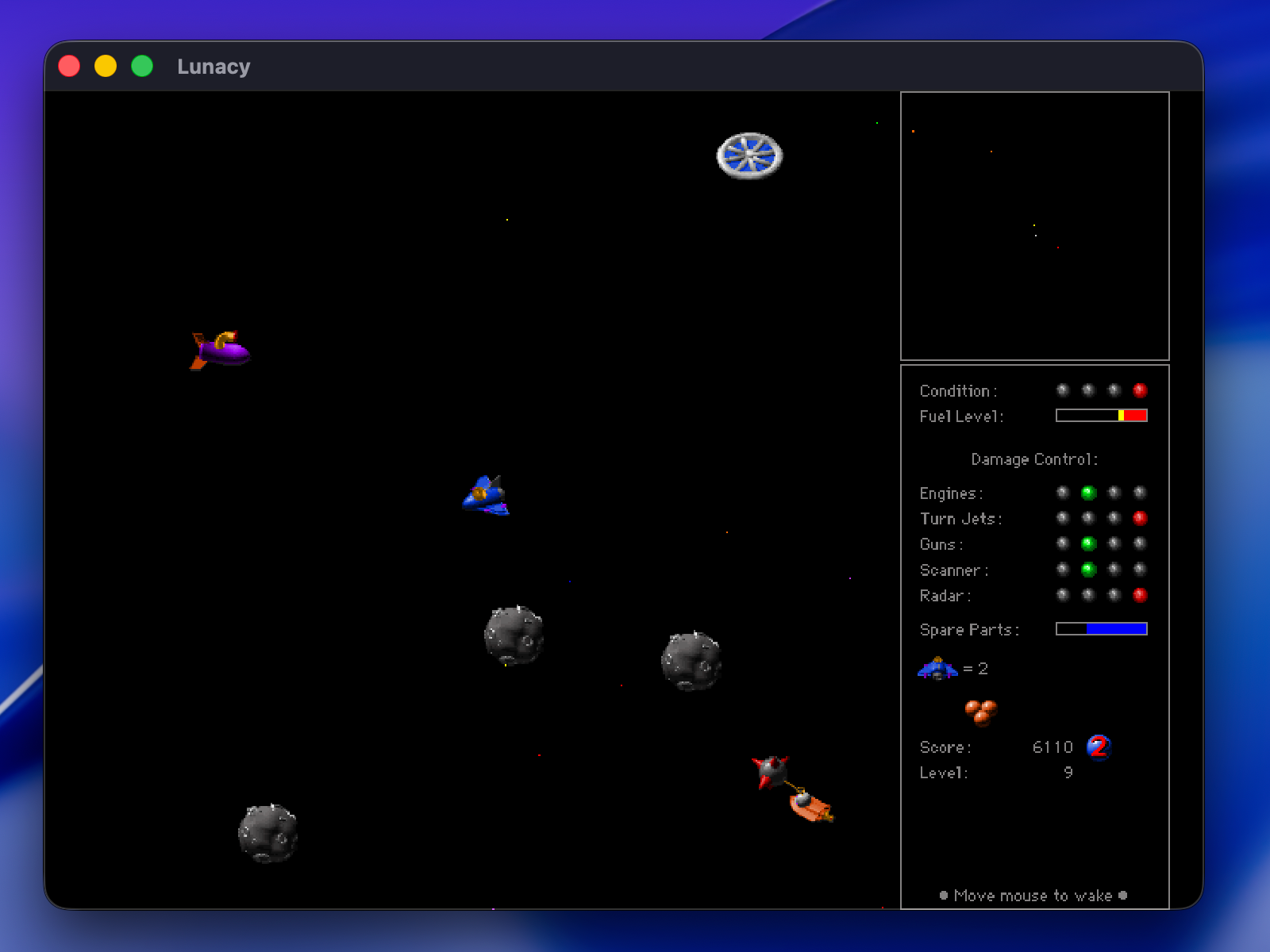 | |
| Posted by: Durosity on 2026-06-21 16:33:35 Oh wow I so need to try this, I spent so many hours playing that game as a kid | |
| Posted by: Forrest on 2026-06-21 17:10:48 Nice - I’ll have to try this out. | |
| Posted by: thecloud on 2026-06-22 14:50:30 Tried it on Sequoia. Command toggles the help screens. Control and Caps Lock are both recognized and the game loads up and starts... but no other keys are recognized. The action keys shown in Lunatic Fringe itself do not function, and if I configure a custom set of keys in Lunacy's settings, those don't work either. The ship just sits there on the launch pad, unmoving, until it takes enough damage from collisions to destroy it. | |
| Posted by: Halcyon on 2026-06-22 14:54:49 Oof. Sorry to hear that, but thanks for giving it a shot. I'll see if I can round up something running Sequoia to reproduce it. | |
| Posted by: thecloud on 2026-06-22 15:10:35 What macOS did you use to build/test on? I will try testing on Tahoe to see if it works ok there. | |
| Posted by: Halcyon on 2026-06-22 15:19:20 So far I've tested successfully on Tahoe with an M1 MacBook and M1 MacBook Pro using either a built-in or external Apple keyboard. | |
| Posted by: Halcyon on 2026-06-22 15:26:56 I dug out of my closet my old Intel 13" MacBook Pro running Ventura and it seems to work there as well. I'm using the default control bindings. Custom controls _seem_ to work, but I haven't tested them extensively yet. | |
| Posted by: thecloud on 2026-06-22 15:53:05 Weird. I brought up Tahoe 26.5 in a VM (running on the Sequoia machine, an M4 MBP) and it has the same issue with no action keys being recognized. Everything else about the emulation appears to be flawless, except the game can't actually be played because the ship can't move or fire. There may be some fundamental issue with my machine if it works OK for everyone else. | |
| Posted by: Halcyon on 2026-06-22 16:00:46 Curious. Is this with the built-in MBP keyboard? Does hitting Caps Lock or Control multiple times toggle you in and out of game mode back to the title screen, or does that go dead too? | |
| Posted by: adespoton on 2026-06-22 17:56:34 Which keyboard are you guys testing this on? US 128 key? AZERTY? Something else? | |
| Posted by: Halcyon on 2026-06-22 18:28:54 That's a good question that I hadn't considered. I'm on a US MacBook Pro and US Apple Touch ID keyboard myself. I'll figure out how to test out other layouts. | |
| Posted by: Halcyon on 2026-06-22 18:53:43 thecloud : By any chance are you running Karabiner-Elements or any other keyboard intercept-y software? | |
| Posted by: thecloud on 2026-06-22 21:43:14 Turns out it's the copy of Lunatic Fringe I was using. I replaced it with a known good copy and Lunacy is now working fine. However, the old copy is working well with Fringe Player 2.0 on a Snow Leopard system, and doesn't seem obviously corrupt. I'll compare the resource forks and see what's different. | |
| Posted by: Halcyon on 2026-06-22 22:03:05 Interesting. If you can share the file with me or point me at a source, I’d like to take a look. In the meantime I’ll add checksum validation to the next build to catch this up front. | |
| Posted by: Halcyon on 2026-06-22 22:27:18 Figured it out: the module that was not working has keybindings stored in the LFky resource from a previous life. I'll fix this in the next build. Thanks thecloud for your help sorting this out! | |
| Posted by: Halcyon on 2026-06-23 12:24:10 I've released v1.0b2 with support for modules with existing keyboard bindings.
Lunacy — Lunatic Fringe on modern macOSPlay Lunatic Fringe, the classic After Dark space shooter, natively on modern macOS — full screen, optional CRT shader, and a live global high-score board.
morphing.cloud
Thanks again to @thecloud for the assist. | |
| Posted by: thecloud on 2026-06-23 15:24:03 1.0b2 works great for me! Thanks for making this and keeping the game alive. I'm going to have to play a lot more if I want to get on the high score board again. Looking forward to the full release of your app that can play any AD module! | |
| Posted by: eharmon on 2026-06-23 16:20:29 Would be pretty neat if this could be compiled as a real screensaver! Why settle for a clone of Toasters when you can run the real module? Are you HLEing a subset of the toolbox, or does this emulate the AD libraries themselves? | |
| Posted by: Halcyon on 2026-06-23 17:02:54 This works by running the original module Motorola 68k code from the module using Musashi, then handling the A-line traps to perform equivalent behaviors that the Macintosh Toolbox would do on a real Mac. The early modules below AD 3.0 are really simple in that they don't depend on any shared libraries or the control panel, which is pretty neat. Above AD 3 is more complicated. Credit to the M.A.C.E. project for planting the idea that this was even possible! I have some other work in progress on a more generalized After Dark emulator: like, if iTunes and the After Dark control panel had a baby. The Lunacy app was spun off as a byproduct of this larger effort. As part of that I'm exploring an option to export the modules wrapped into a saver that runs on macOS. It's mostly working, but there are still some reliability problems to sort out. But it's possible! | |
| 1 > |