68kMLA Classic Interface
This is a version of the 68kMLA forums for viewing on your favorite old mac. Visitors on modern platforms may prefer the main site.
| Click here to select a new forum. | |
| PowerBook 170 - dead speaker after taking it apart | |
| Posted by: 3lectr1cPPC on 2022-09-09 20:38:59 I had my 170 apart today to take the hard drive out to test something in another computer. When I got it back together I suddenly have no sound through the speaker. I don't remember for sure, but I'm pretty certain I did power it up today during the part shuffle with it working. Here's what I've tried: - Reseating the interconnect cable (multiple times) - Sound comes through headphones, so I know it's not the sound hardware - OS volume is on - Visually inspected the speaker connections and everything looks fine. No obvious damage or bent pins on anything - I also reseated the processor card and RAM for good measure. Any ideas on what's wrong, or just how I can test the speaker with my multimeter? Thanks, 3lectr1c Edit: Just remembered this (cross-post from TD) To be clear, the speaker has been working ever since I got it. It only quit after a recent disassembly, although now that I think of that I did just remember something... When I was putting it back together, I didn't get the interconnect cable seated correctly the first time around. This led to an audio feedback sound (buzzing) from the speaker. Then I reseated it, and now the display and everything else work, but not the speaker. Maybe that killed it 🙁 So yeah, how do you test a speaker with a multimeter? 😅 😅 | |
| Posted by: joshc on 2022-09-16 15:20:27 There is a decent guide to testing a speaker with a multimeter here: 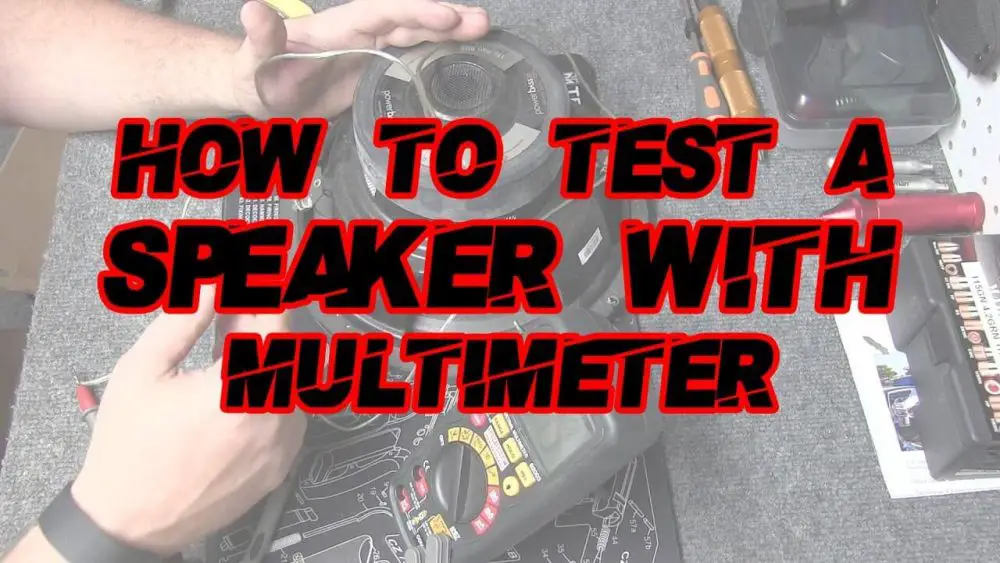
How to test a speaker with a multimeter? (Simple Steps)We'll use a multimeter to check the speaker's impedance, which is an example of a speaker's resistance to alternating current.
 multimetertools.com
| |
| Posted by: Aektann on 2022-09-16 15:25:36 Check out the ribbon cable between the top and bottom cases. It is known to be degraded by the time | |
| Posted by: 3lectr1cPPC on 2022-09-16 15:27:42 How would I check the cable? Seems odd that only the speaker would have problems, the display works perfectly along with the keyboard and trackball. thanks @joshc | |
| Posted by: Aektann on 2022-09-17 01:15:55 I experienced the same problem when the cable was broken. Try to stretch wires a bit. | |
| Posted by: 3lectr1cPPC on 2022-09-19 19:04:35 It's an encased ribbon cable, there aren't any separate wires to stretch? | |
| Posted by: 3lectr1cPPC on 2022-09-19 19:08:56 speaker tests ok at about 7.2 ohms, which it seems to be labeled as. | |
| 1 |